Stress & HRV
Understand your readings.
Resile
Personal HRV and heart-rate insights.
A place to reflect. A moment to pause.
For iPhone and Apple Watch. App Store release in preparation.
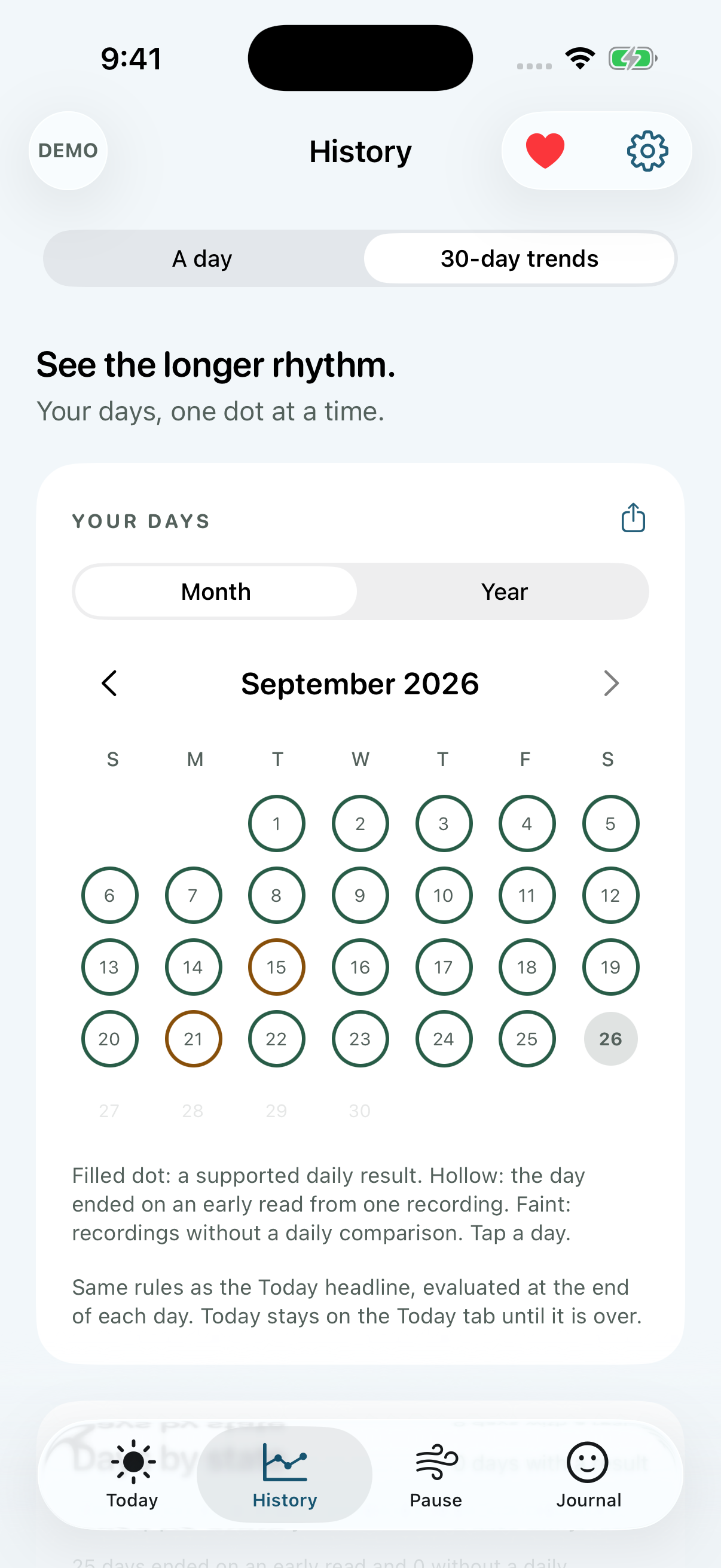
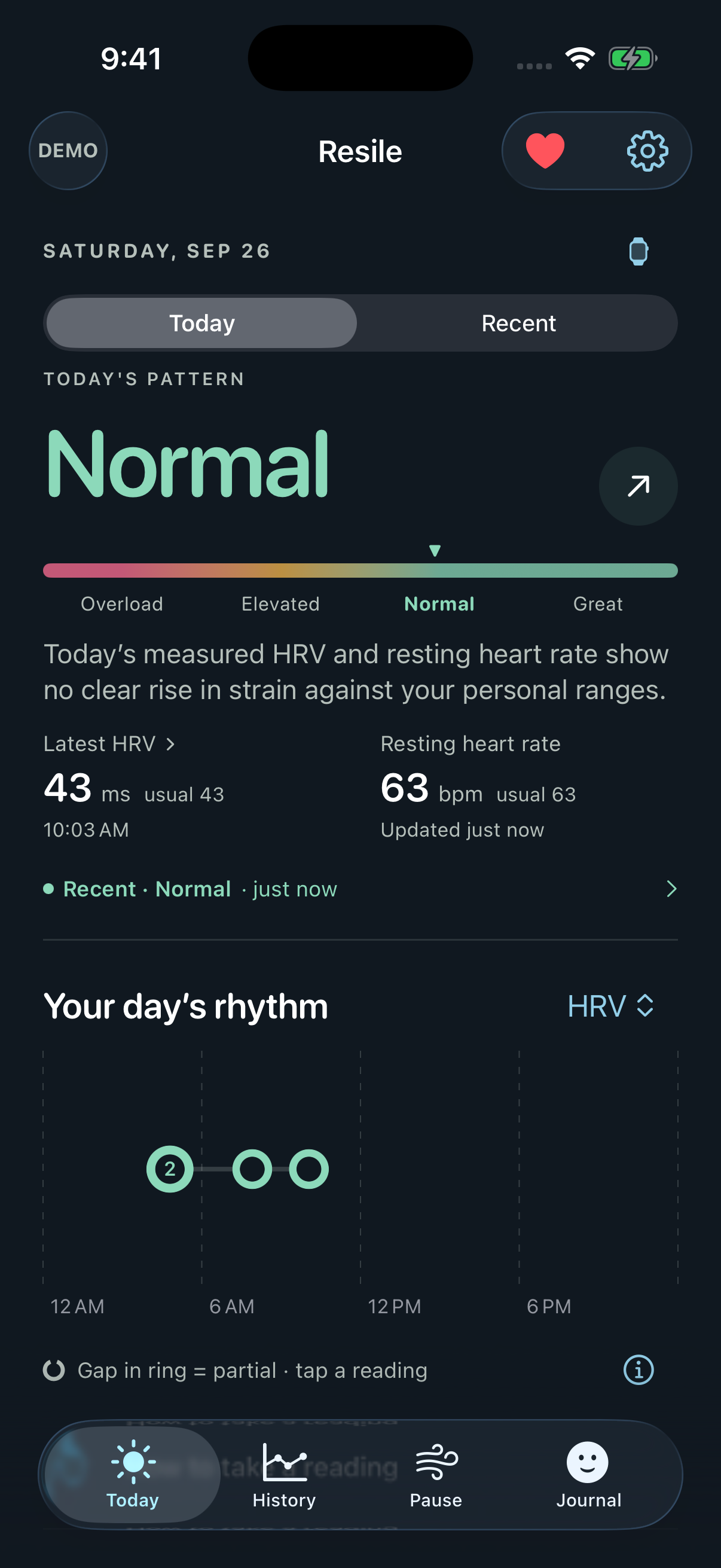
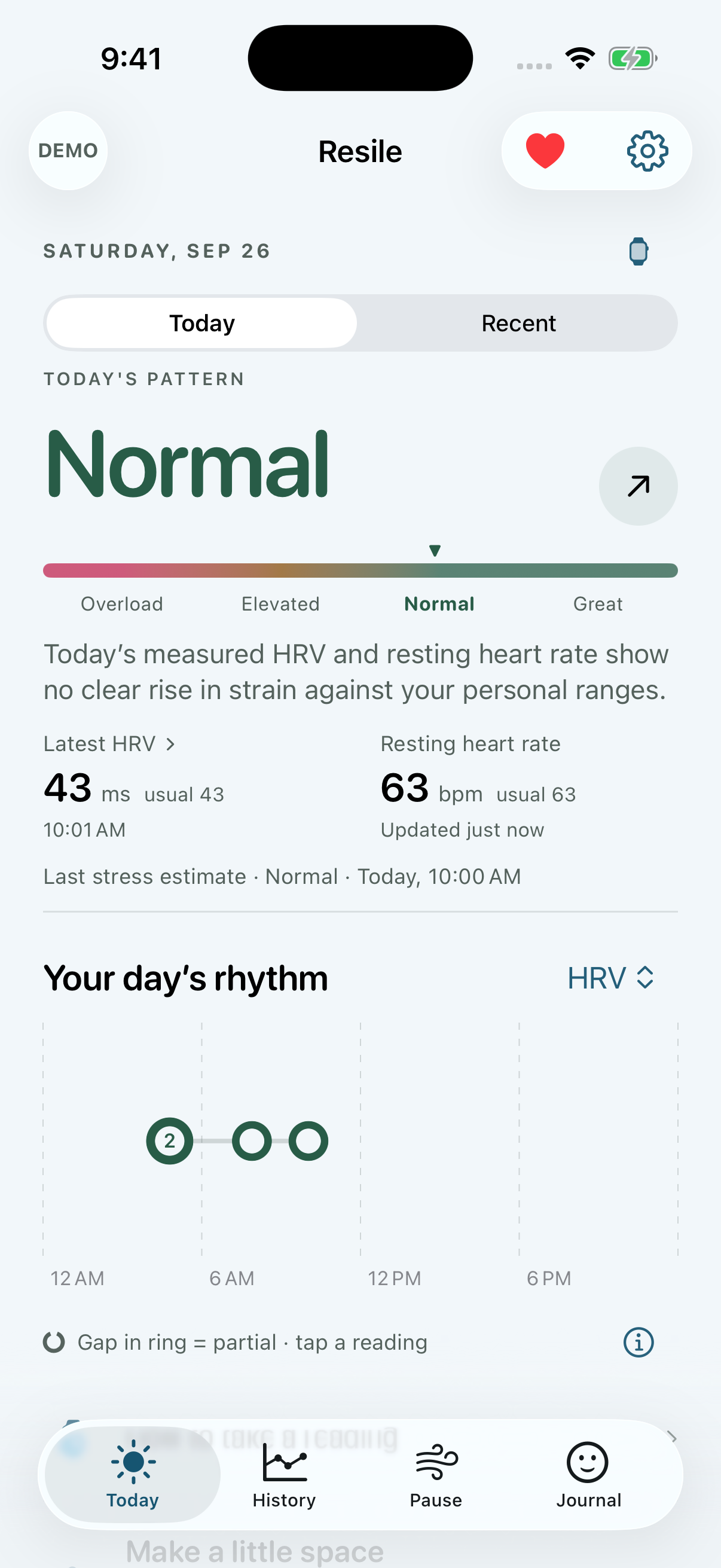
Actual Resile screens. Fictional demo readings.
Stress & HRV
History & trends
Sleep & daylight
Pause & journal
Watch & widgets
Make it yours
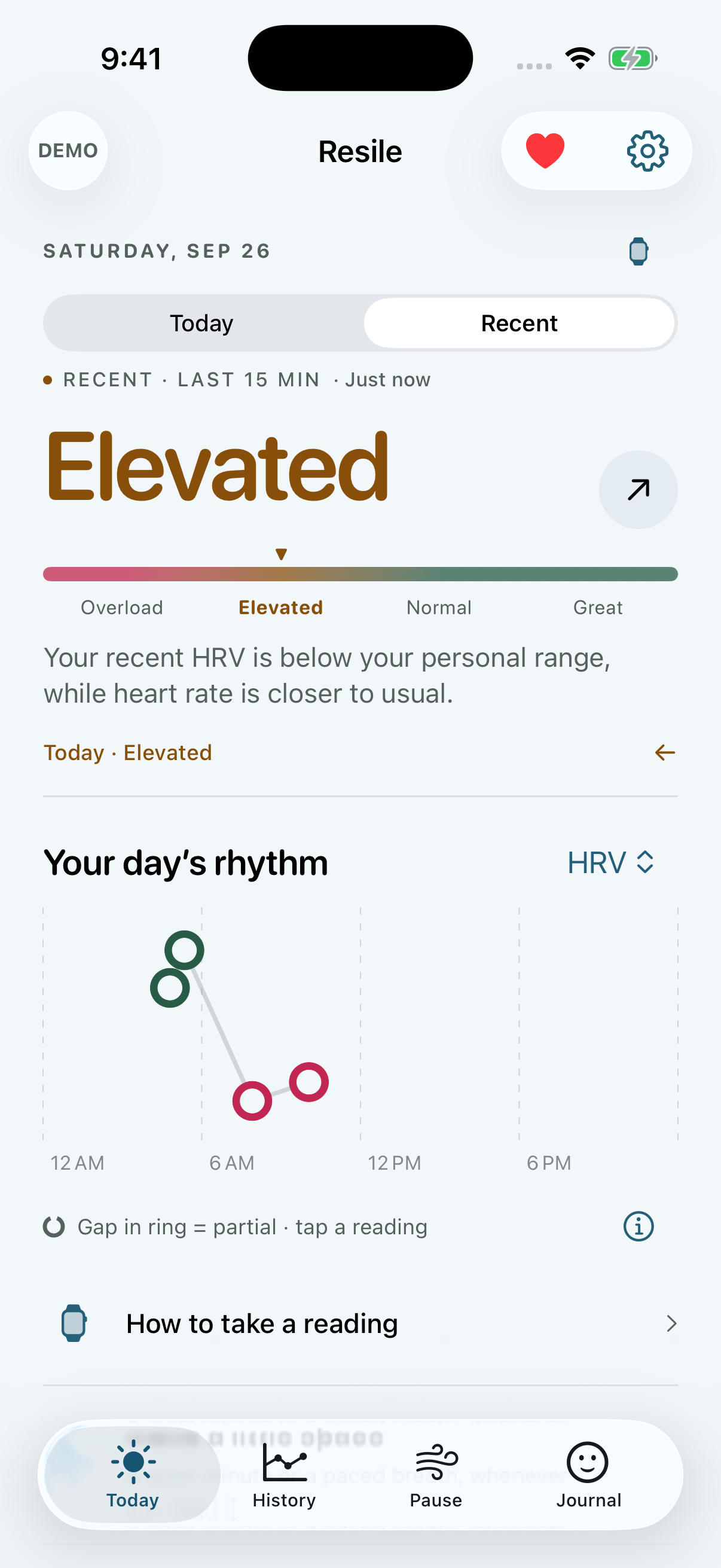
Today and Recent
Your daily pattern and your recent readings have different stories to tell. Resile gives each the space—and the context—it deserves.
Fictional demo readings.
A closer look at Resile
See your daily pattern, latest HRV and resting heart rate together. Their timestamps and personal references stay visible.
Explore this featureHistory, sleep and daylight
Move through months and years of remembered days, then return to the details of a single day.
Explore HistoryExplore recorded sleep stages, overnight heart rate, and daylight history when your Health sources provide them.
Sleep & daylightPause and Journal
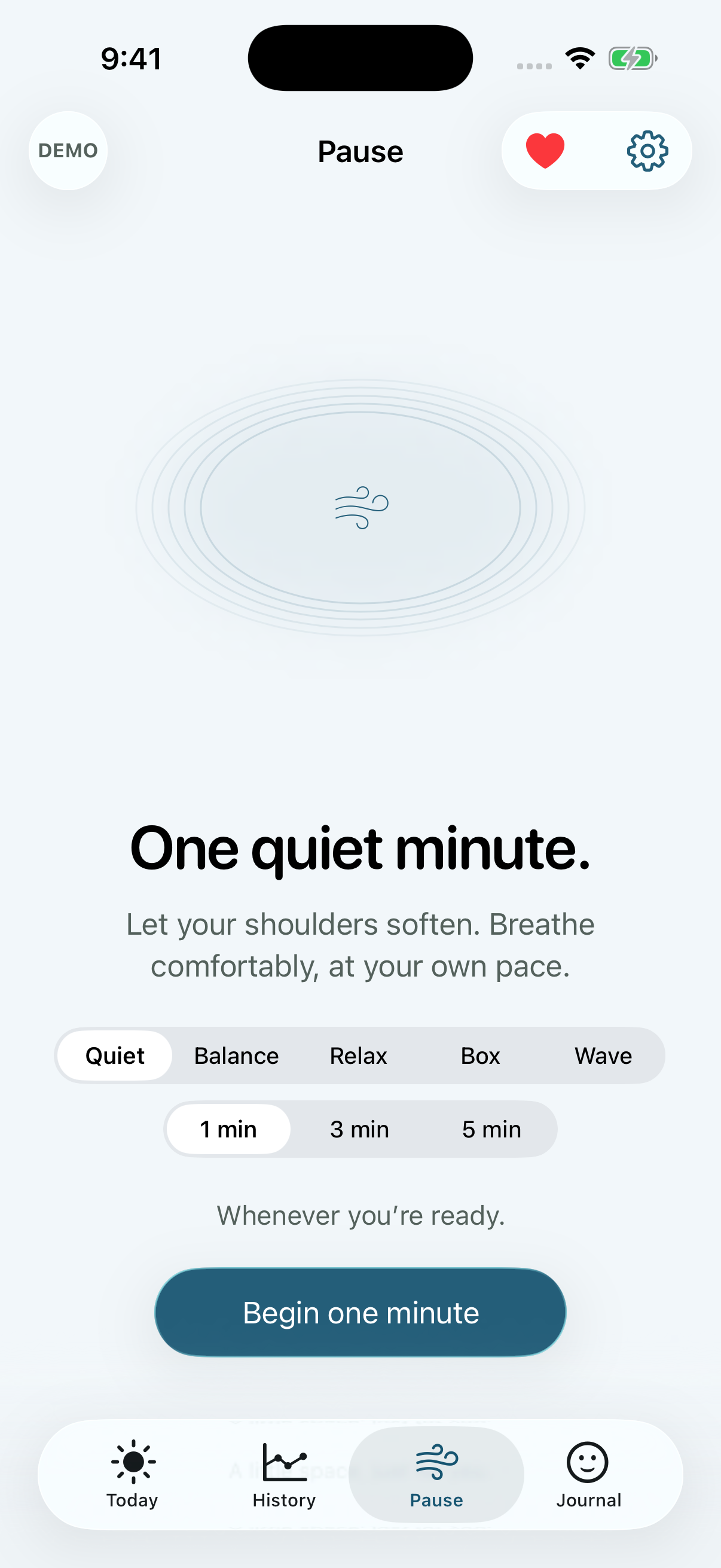
Take a quiet minute. Follow a paced breath. Put your day into your own words.
Explore Pause & JournalOptional pacing preview. Breathe comfortably; stop whenever you like.
Private by design
Analysis on your iPhone. Journal entries on your devices. No developer account, advertising, or server receiving your Health records.
Read our privacy policyMake it yours
Choose your palette and a Day or Night icon. Keep the app and icon in step, or give each its own colour.
Explore Appearance
Ocean · Day
Apple Watch is optional. Resile uses available Apple Health data from compatible sources. Full HRV and recent stress features depend on the data each source shares. Pause and Journal work without a wearable.
All app features are free. There is no subscription or paid feature tier. An optional one-time contribution through Apple supports the app and unlocks nothing.
No. The app describes patterns of physical strain. Your feelings and the causes of a change cannot be determined from these readings alone.
Health interpretation runs on your iPhone. Your Watch and widgets receive relevant snapshots through Apple’s device-sharing services. Resile does not receive your Health or journal records.

No account. No subscription. Just a clearer view.