Your iPhone does the analysis.
The Watch companion receives the latest relevant information from your iPhone. The time of the reading stays visible so an older snapshot is not mistaken for a live measurement.
Watch & widgets
Keep your latest available information within reach with the Apple Watch companion, widgets, and complications.
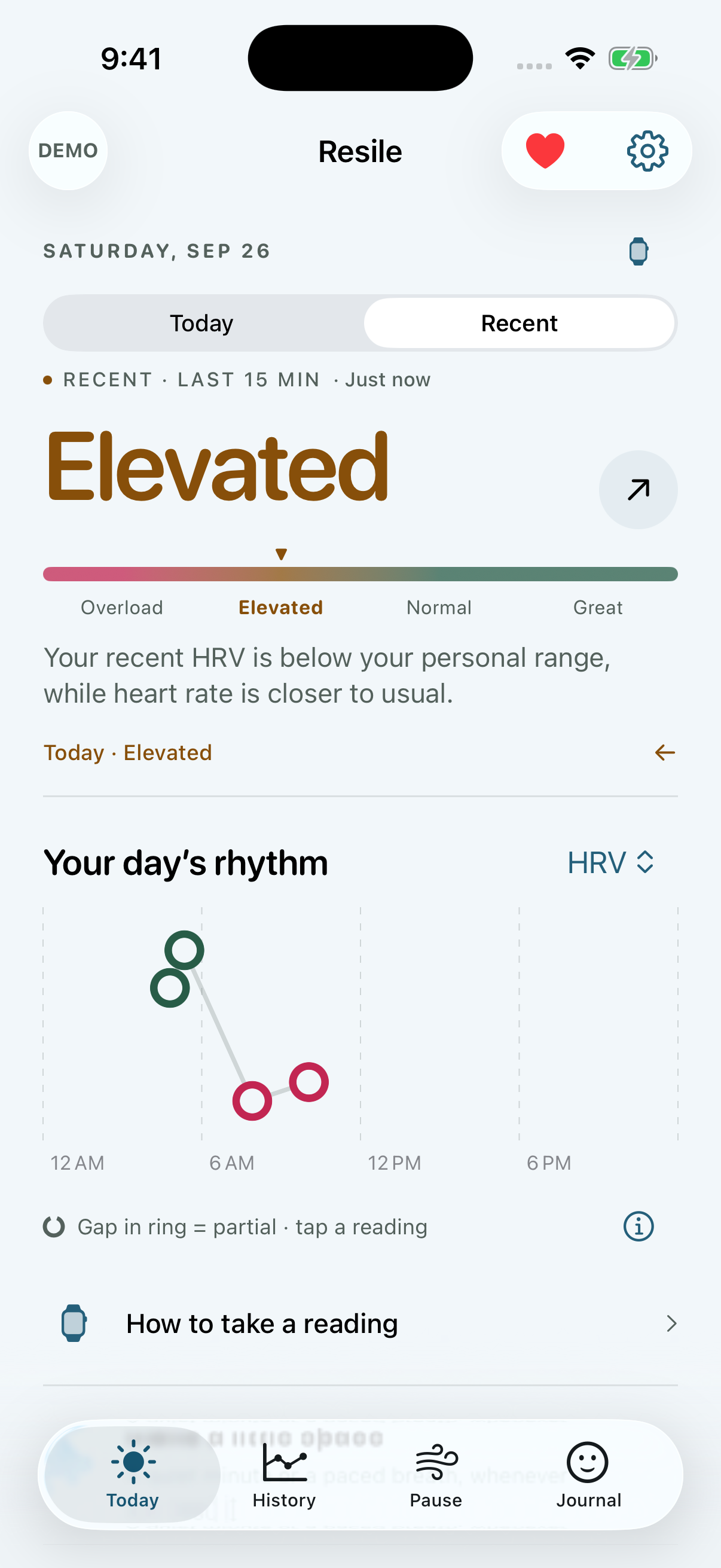
Actual Resile screens. Fictional demo readings.
The Watch companion receives the latest relevant information from your iPhone. The time of the reading stays visible so an older snapshot is not mistaken for a live measurement.
Make a quick journal check-in on Apple Watch and send it back to your iPhone when the connection allows.
Small and medium widgets offer a glance at the latest shared information. Lock Screen widgets and Watch complications provide compact views.
Apple controls background scheduling, and Watch delivery depends on connectivity. Open both apps when setting up or troubleshooting an update.
Widgets display a shared snapshot and the system controls their refresh schedule. Open Resile on your iPhone and check the reading time.
No. It is needed for the watchOS companion, but the iPhone app can use suitable Apple Health sources. Pause and Journal need no wearable.

No account. No subscription. Just a clearer view.